
FIBO 2
FIBO 2 is an AI image maker and photo editor. Describe a scene in words to create a new picture, or upload photos and tell it what to change. It plans lighting, layout, and details before rendering, so posters, product shots, charts, and edits look closer to what you asked for.
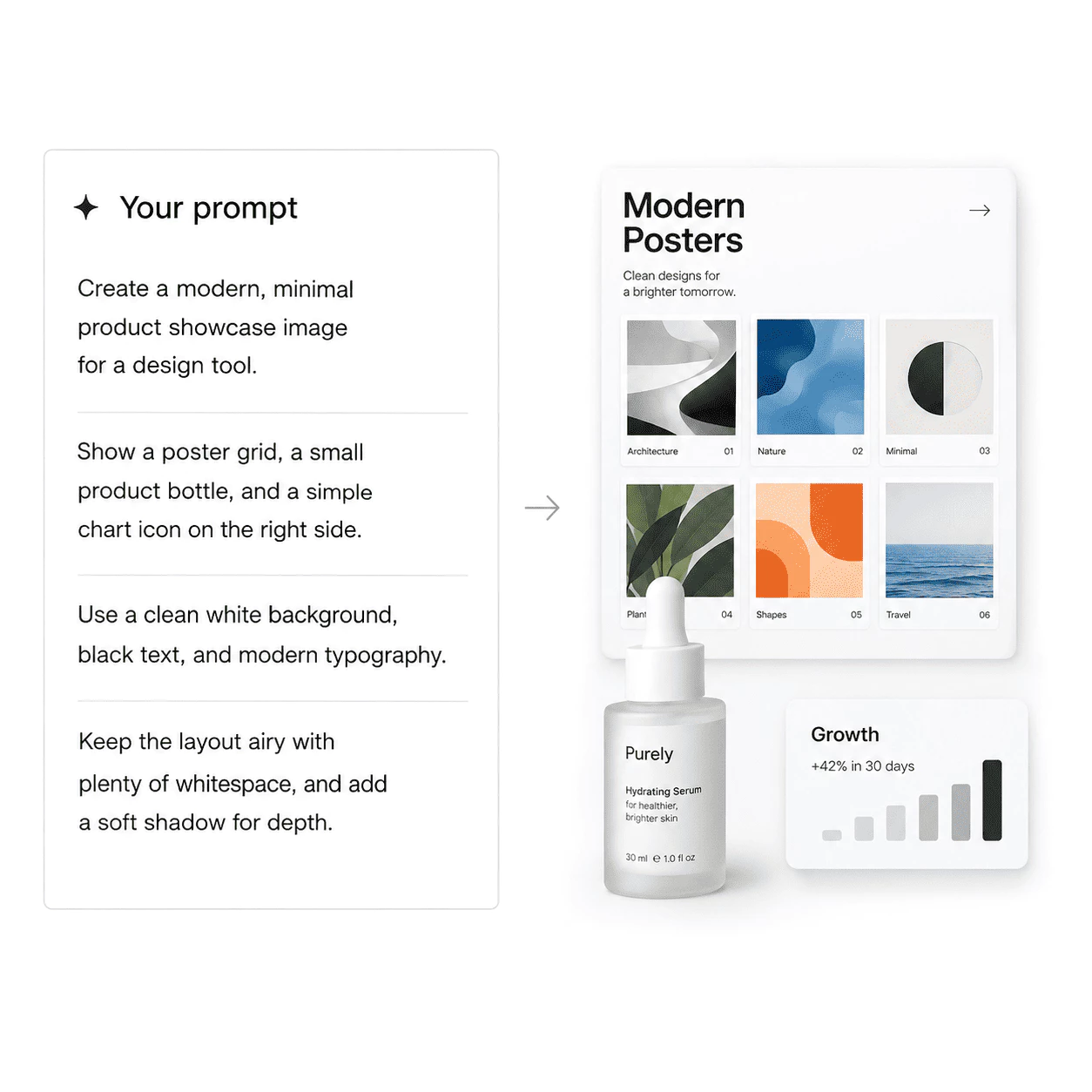
What is FIBO 2?
FIBO 2 is an AI image maker and photo editor. Type a prompt to create a new picture, or upload photos and say what to change. It turns your words into a clear scene plan—subject, lighting, camera, layout, and text—before it renders, so posters, product shots, infographics, and edits land closer to what you described.
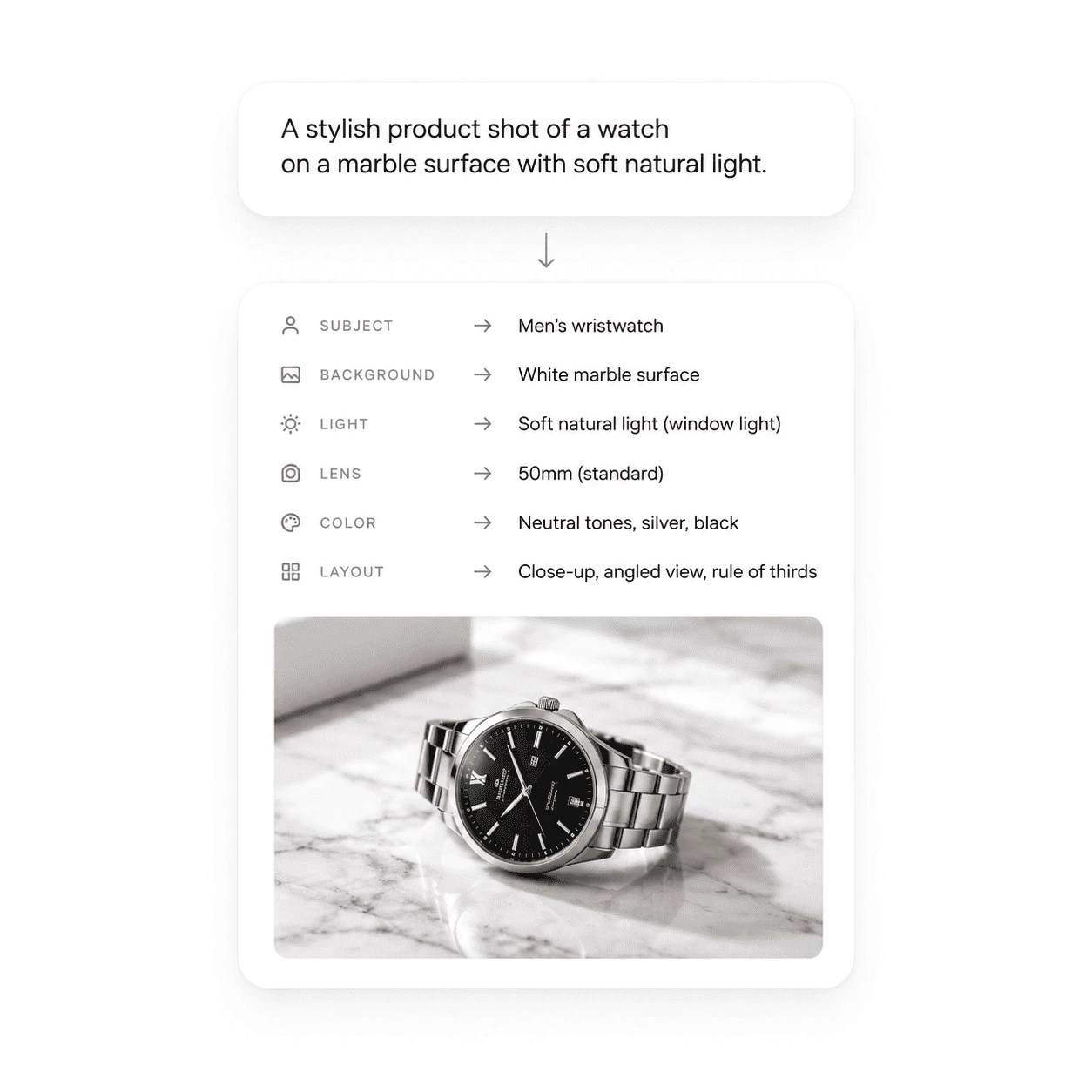
- Prompts Become a Scene PlanA simple sentence grows into a full picture brief: objects, background, light, lens feel, and color. Long, specific prompts are followed closely instead of being skipped.
- Text, Layouts, and DiagramsPoster headlines, package labels, and infographic captions stay readable. FIBO 2 handles detail-heavy ideas well, so explainers, maps, and labeled graphics hold together.
- Edit With Your PhotosChange the background, relight a product, restyle a room, or swap an outfit. Add reference photos when you want the result to match a certain look, prop, or lighting.
Why Use FIBO 2 for Visual Work
Three reasons it fits posters, product shots, charts, and photo edits better than a generic image app:
FIBO 2 Key Features
What FIBO 2 helps you make with clear prompts, photo uploads, and the online editor:
Create From Text
Write a detailed prompt and FIBO 2 plans the scene—subject, light, camera, layout, and any words in the picture—before it renders one image you can save.
Edit Your Photos
Image-to-image mode swaps backgrounds, relights products, refreshes rooms, or changes outfits. Reference uploads can steer style, props, or lighting on the main edit.
Built for Posters and Products
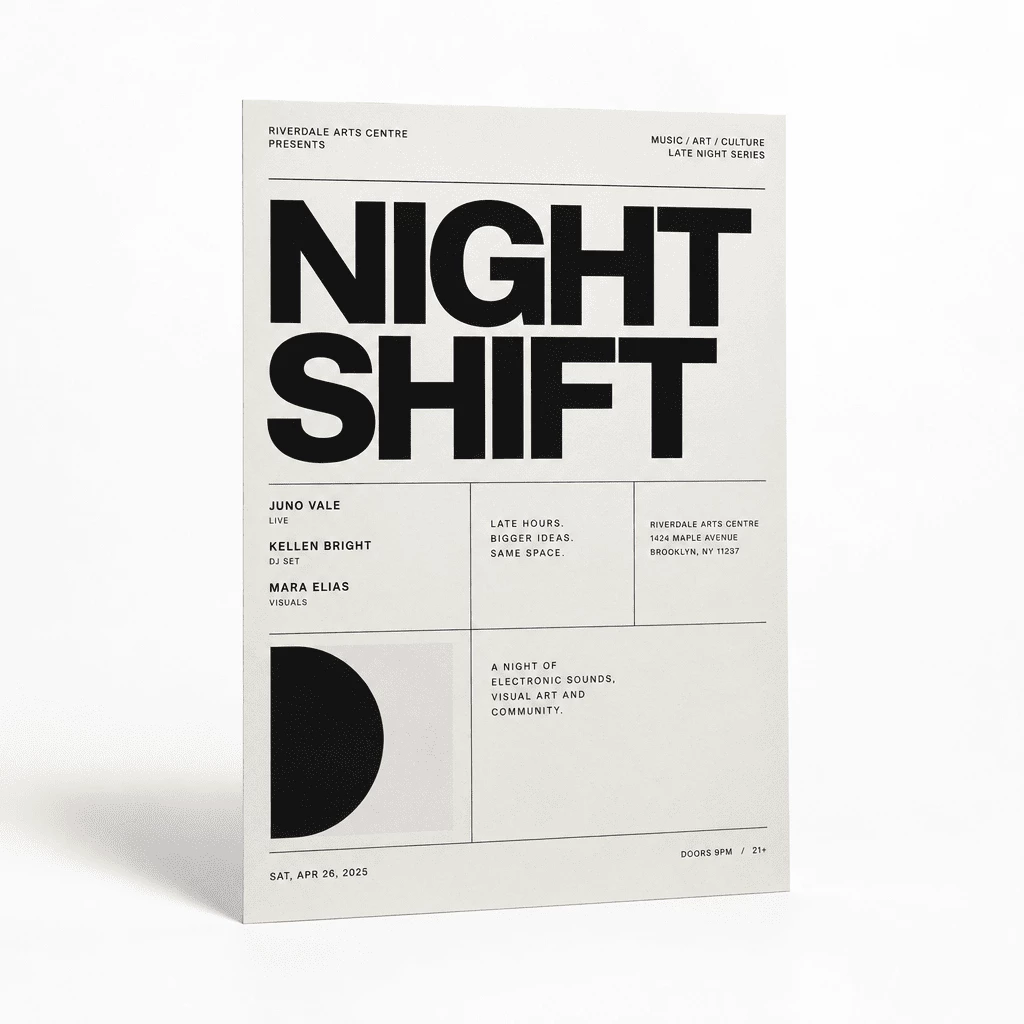
Swiss-style posters, glass product shots, labeled infographics, and careful face-and-background edits are strong fits when your prompt names colors, text, and layout.
Eight Aspect Ratios
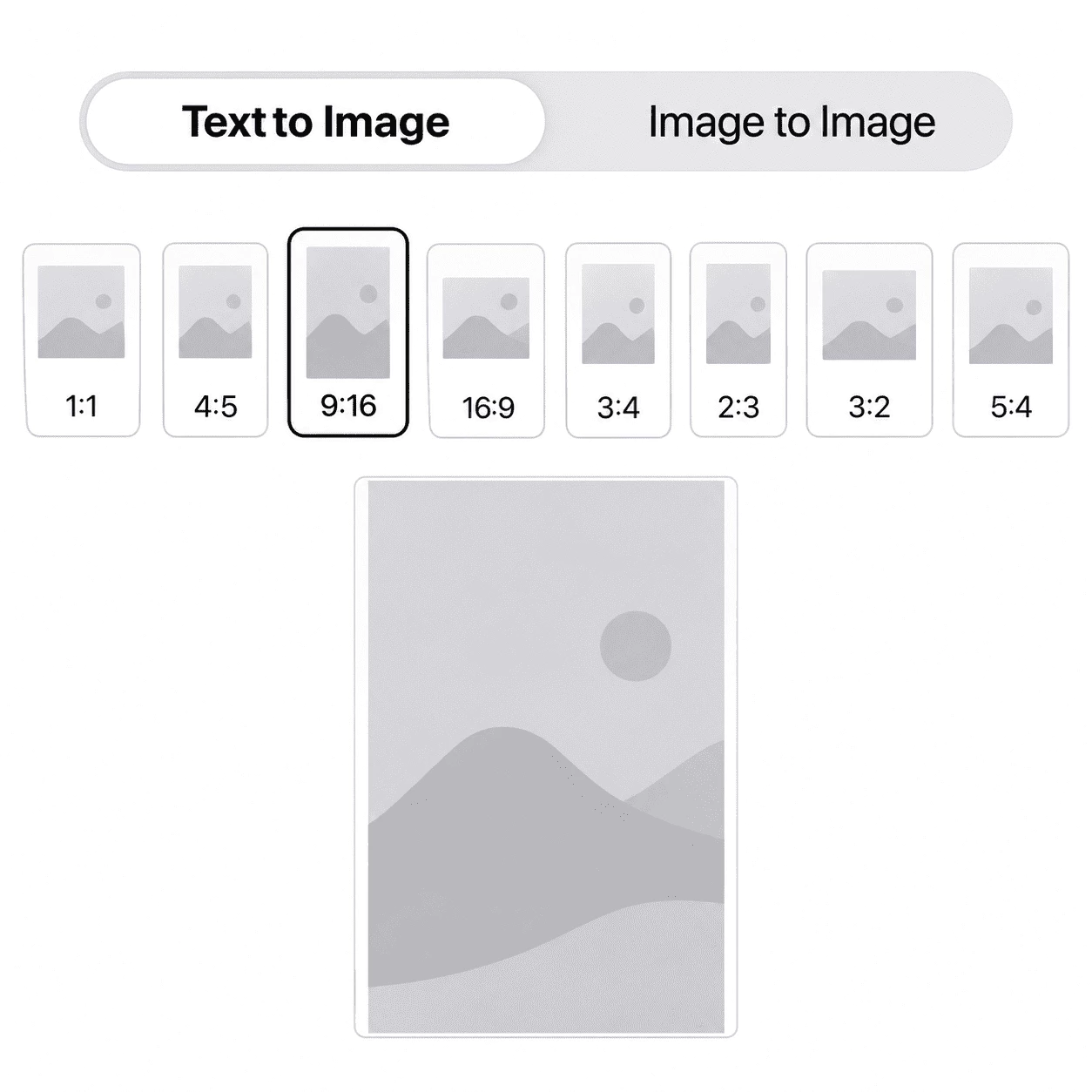
Choose Auto, 1:1, 4:5, 3:4, 2:3, 9:16, 16:9, or 3:2 so each image fits feeds, stories, reels, banners, thumbnails, or your original photo shape.
Template Briefs in the Editor
Open a template and the editor fills with a full scene brief—subject, light, layout, and on-image text. Edit the wording and colors, then generate without starting from a blank box.
Private History and Downloads
Each run lands in your account History. Download about one megapixel per image, iterate again, or delete uploads and results anytime you want.
Make Your First FIBO 2 Image
Three simple steps from idea to a finished image in the editor:
Choose a Mode
Pick text to image to create from words alone, or image to image to upload your own photo and edit it with an instruction.
Write Your Brief
Describe the subject, setting, light, and any text in the picture. Or open a ready-made prompt and swap in your subject, words, and colors.
Generate, Save, and Refine
Select an aspect ratio and run Generate. FIBO 2 usually finishes in 10 to 40 seconds. Download the result, or send it back for another pass—everything stays in your private History.
Ways to Use FIBO 2
See how creators use clear prompts and photo edits to make posters, product shots, charts, and polished photo changes.
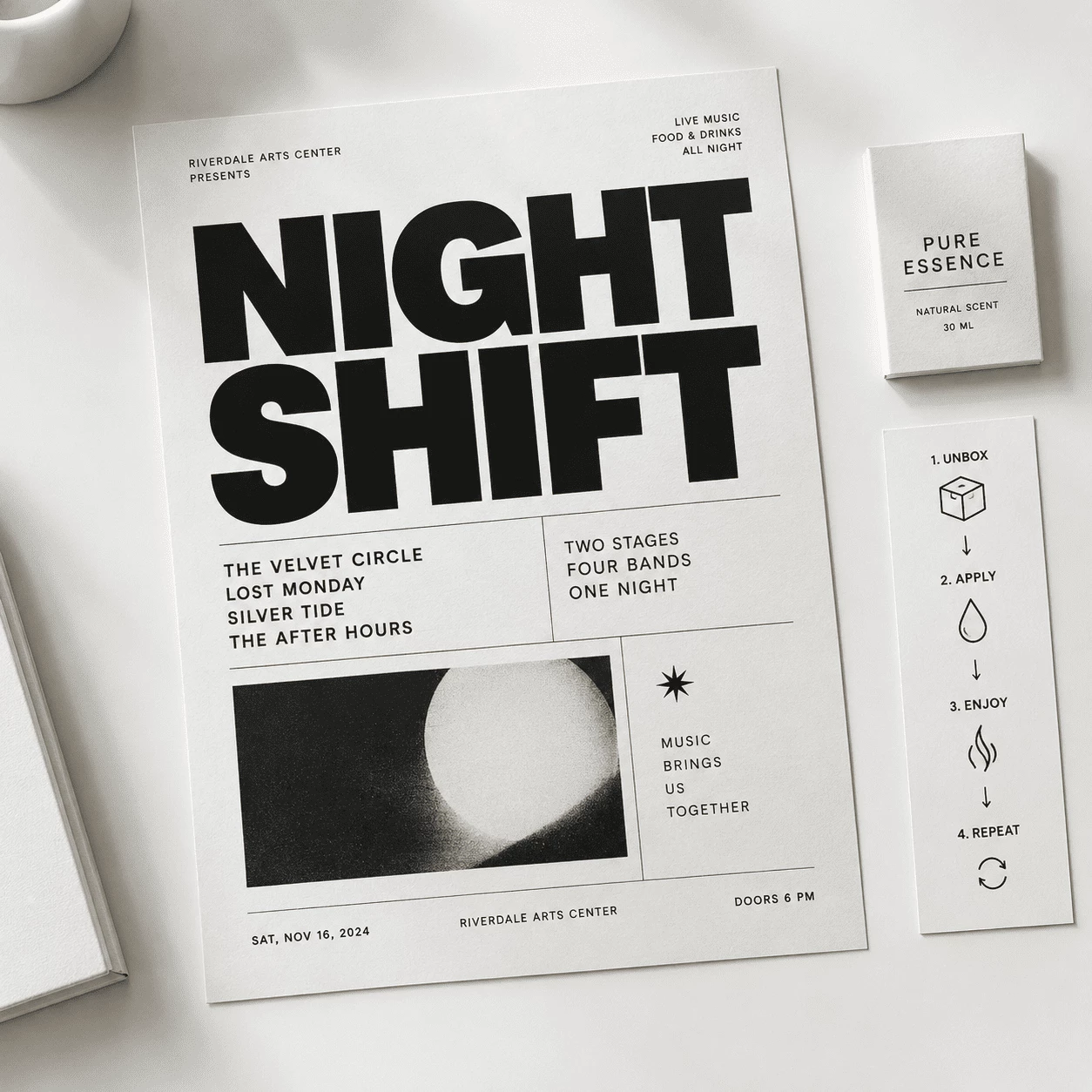
Build Layout-Heavy Posters
Describe grid structure, paper color, and a big headline in plain words. FIBO 2 turns that into a full visual plan so concert and event posters read cleanly.
- Start from an example prompt and swap in your title, date, and colors
- Pick a ratio that fits social feeds or wide banner spots
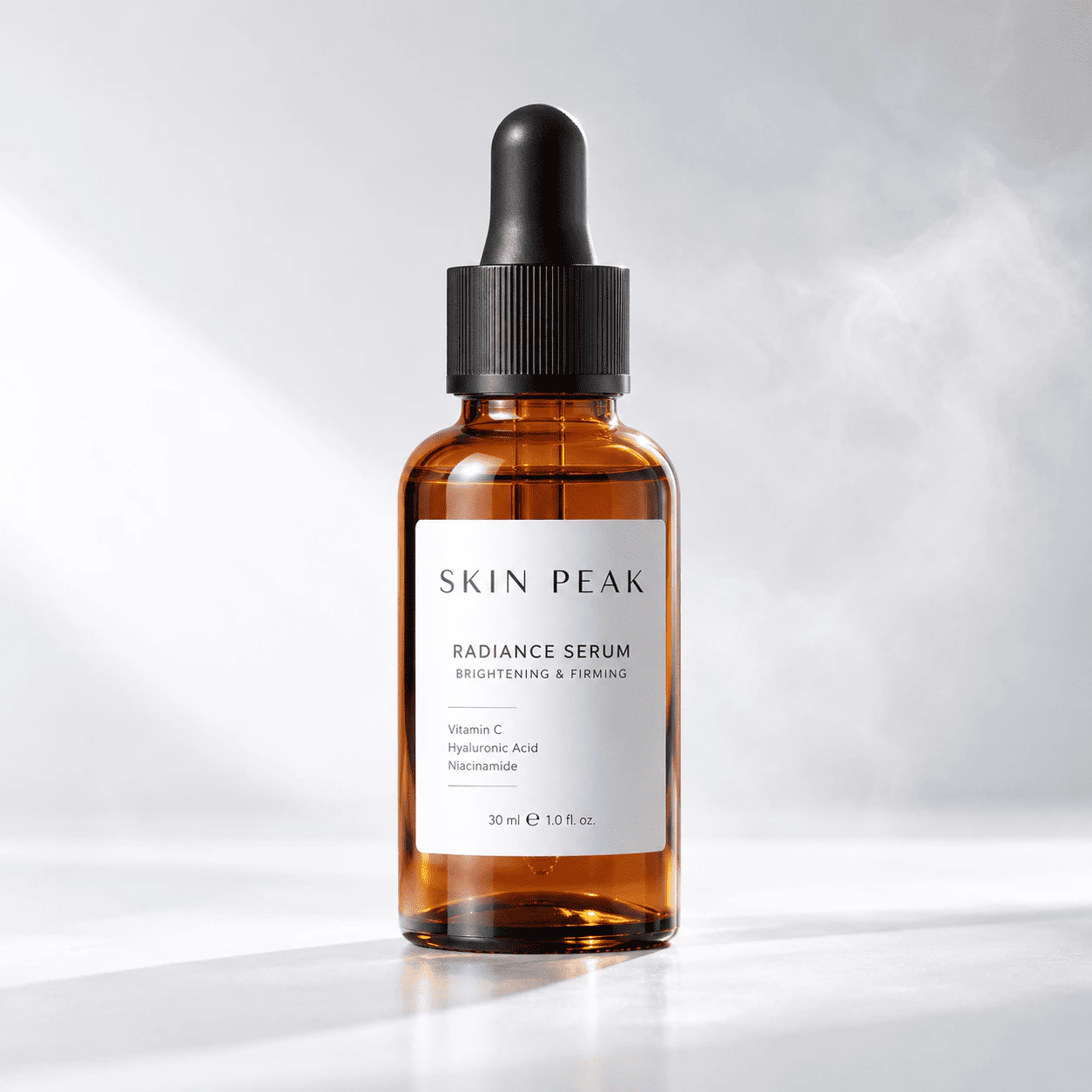
Light Bottles and Pack Shots
Write how the product sits on the surface, the rim light, and background mood. FIBO 2 plans the scene so glass, labels, and reflections look intentional for shop and ad use.
- Call out material, backdrop, mist, and which way the label faces
- Save the image and drop it into listings, slides, or social posts
FIBO 2 – From Brief to Image
FIBO 2 is built for one clear job: turn your words—and optional photo uploads—into planned images for posters, products, charts, and edits.
Detailed Prompts
Scene Plan First
A plain sentence becomes a full picture brief—objects, background, light, lens feel, and color—before FIBO 2 renders, so specific prompts are followed closely.
Words in the Frame
Layouts That Read
Poster headlines, package labels, and infographic captions stay sharp. Knowledge-heavy ideas like maps and explainers hold together instead of breaking apart.
Fast Image Output
Ready to Use
Most images finish in 10 to 40 seconds. Pick a ratio for feeds, stories, or banners, download the file, and keep every run in private History.
FIBO 2 – Common Questions
Quick answers about prompts, photo edits, downloads, aspect ratios, and your private gallery.
What is FIBO 2?
FIBO 2 is an online AI image maker and photo editor. Type a prompt to create a new picture, or upload photos and say what to change. It turns your words into a full scene plan before it renders.
Can ChatGPT make FIBO 2 images?
No. ChatGPT can help you draft or polish a prompt, but it does not run the FIBO 2 model or save images to your History. Use the FIBO 2 editor to generate and download images.
How do I get started?
Open the editor, pick text to image or image to image, write your brief or load a starter prompt, choose a ratio, and press Generate. Most runs finish in 10 to 40 seconds; download the result or send it back for another edit from History.
What uploads work best for edits?
Use clear, sharp photos with even light and a simple background when you can. In your instruction, say what must stay the same and what should change—face, product label, layout, or background.
How is FIBO 2 different from a basic image app?
FIBO 2 expands your prompt into a structured visual brief and follows long, specific instructions closely. It shines on posters with headlines, labeled infographics, and careful background or lighting edits—not vague one-line art.
What does each run output?
Every generation returns one image at about one megapixel. Text to image builds from your prompt; image to image applies your instruction to your photo and can use reference uploads for style or detail.